
Security Camera Installation in Brampton: What to Know Before You Book
Thinking about installing security cameras at your Brampton home or business? Choosing the cameras is only part of the job. Where they are mounted, how the wiring is installed and how footage is recorded all affect how useful the system will be.
A camera might show your entire driveway but struggle to capture a clear face near the entrance. Another might look sharp during the day but suffer from glare after dark.
Before booking an installation, here is what to consider so your system suits your property and gives you footage you can actually use.

Start With What You Need to See
The first question should be: What do you want each camera to capture?
For a home, that might mean seeing visitors at the front door, vehicles on the driveway or activity near a side entrance. For a business, it could mean monitoring a loading dock, reviewing incidents at the checkout or checking who entered a restricted room.
These are different jobs. A camera positioned for a wide overview may not provide enough detail to identify someone farther away.
At High-Tech Security Services, we plan security camera installations in Brampton and the GTA around the areas that matter to you, along with the available mounting positions and cable routes.
Where Should Security Cameras Be Installed?
Every property has a different layout, but some areas usually deserve attention.
For homes
Useful locations often include:
- The front entrance, positioned to capture approaching visitors.
- The driveway and garage approach.
- Side doors and pathways.
- Backyard entrances and gates.
- Detached garages or sheds where needed.
Mounting cameras very high can make them harder to reach, but it may also leave you looking down at the tops of people’s heads. Placement should balance protection, coverage and the detail you need.
For businesses
Commercial camera plans may include:
- Customer and staff entrances.
- Checkout counters and reception areas.
- Loading docks and delivery doors.
- Storage rooms and stock areas.
- Parking lots and vehicle gates.
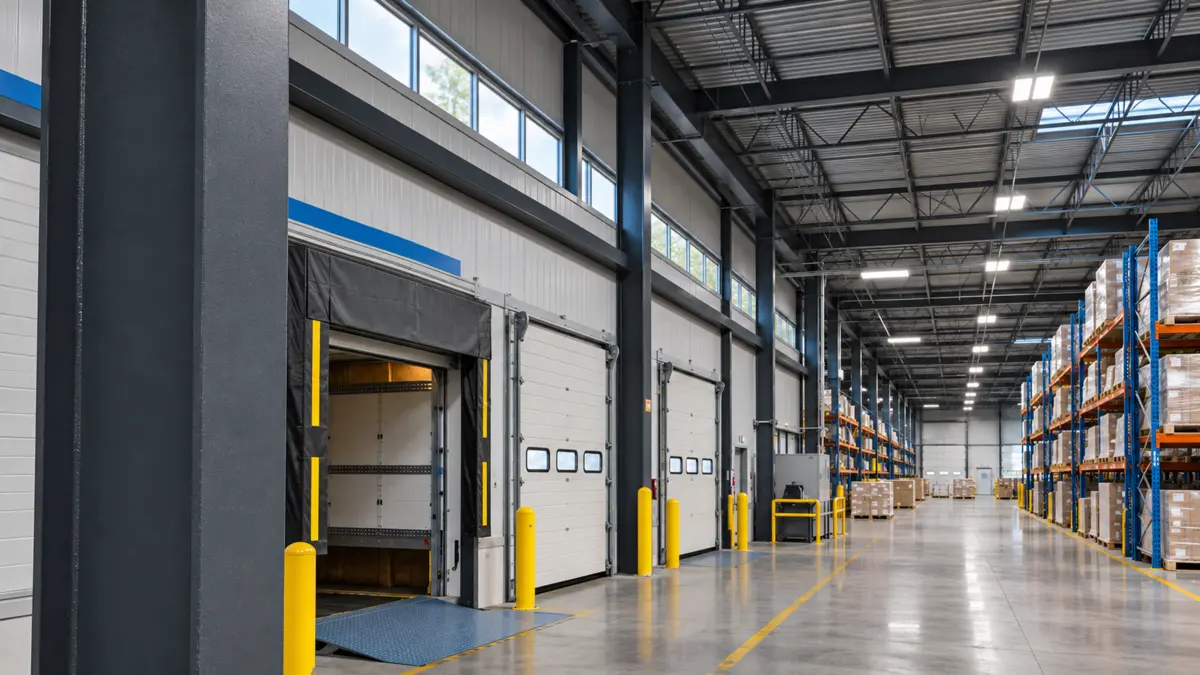
Consider lighting, shelving, signs and parked vehicles. An empty loading area can look easy to cover until a truck blocks the camera’s view.
Wired or Wi-Fi Cameras: Which Setup Fits Your Property?
Wired IP cameras commonly use Ethernet cabling to connect to the recording system or network. With compatible Power over Ethernet equipment, the same cable carries both power and data.
Wi-Fi cameras communicate wirelessly, but they still need a power source unless they use batteries or another supported power arrangement.
For properties that need continuous recording across several cameras, we assess whether a wired system is practical. For a finished home, that includes checking how cables can reach the camera locations without unnecessary visible wiring.
The right choice depends on the property, recording needs and installation conditions. You can also read our wired vs. Wi-Fi security camera guide for a closer comparison.
How Many Cameras Do You Need?
There is no camera count that works for every home or business.
Two houses on the same street can need different coverage because of their driveway width, side entrances, backyard access or garage layout. A small shop with several rooms may need more viewpoints than a larger open space.
Instead of choosing a package based only on camera quantity, ask the installer to explain:
- What each camera will cover.
- Which areas will remain outside the view.
- Where you need identification detail.
- Whether another angle is needed to reduce obstructions.
A clear coverage plan is more useful than simply adding more cameras.
How Long Will Your System Keep Recordings?
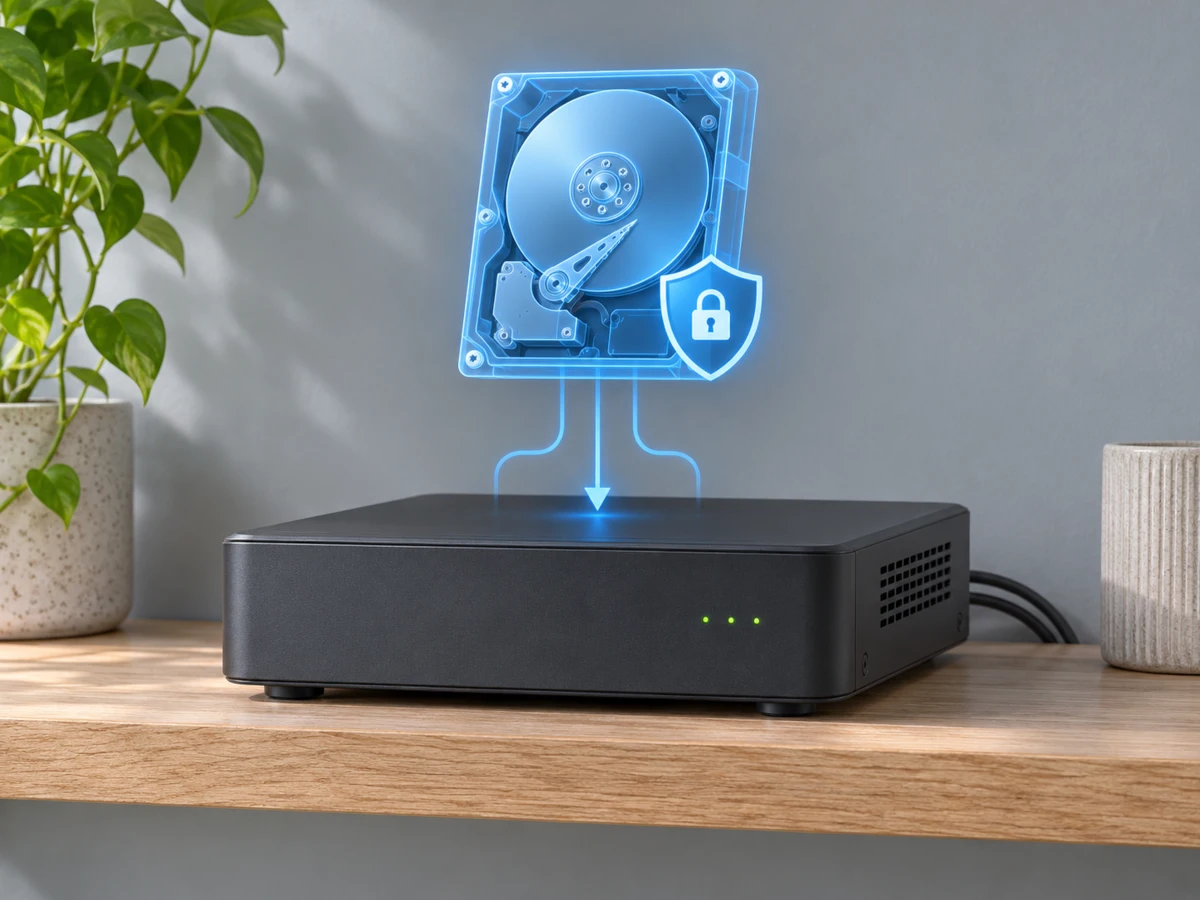
Recording retention depends on several factors, including camera count, resolution, frame rate, compression, image activity and hard drive capacity.
Continuous recording and motion-triggered recording can also use different amounts of storage.
Tell your installer how far back you need to review footage. A business that discovers an incident after a weekend may have different needs from a homeowner checking a delivery that morning.
Ask for a storage estimate based on your actual recording settings, rather than assuming a particular hard drive will always provide a fixed number of days.
Can You View the Cameras on Your Phone?
Many compatible systems support remote live viewing and recorded playback through an app.
Before the installation is considered complete, ask for a demonstration of how to:
- Open the live camera views.
- Find recordings from a specific date and time.
- Save or export an important clip.
- Manage available notifications.
- Give another authorized person access.
Remote access depends on the equipment, configuration and internet connection. Any subscription requirements should be explained when the system is quoted.
What Affects Security Camera Installation Cost in Brampton?
The price depends on more than the cameras themselves.
Cable distance, access above ceilings, mounting height, exterior work, network equipment and recording storage can all affect the scope. Reusing existing cabling may be possible, but it should be checked before being included in the plan.
For commercial buildings, lift access, working hours and coordination with property management can also affect installation.
A useful quote should identify the equipment, installation work, recording setup, app configuration and any exclusions. Ask what happens if an existing cable fails testing or an unexpected installation condition is found.
What Should Happen Before the Installer Leaves?
A finished installation should include more than a picture appearing on a screen.
Camera angles should be checked, recording should be confirmed and playback should be demonstrated. You should know how to access the system and whom to contact for support.
Nighttime performance may also need a separate check, especially where headlights, nearby walls or reflective surfaces could affect the image.
Need Security Camera Installation in Brampton?
High-Tech Security Services provides residential and commercial security camera installation in Brampton and across the GTA.
Whether you need cameras for a house, retail store, warehouse, truck yard or managed property, we can review your coverage needs and prepare an installation quote.
Request a security camera installation quote or call 437-604-2202.
Share your property type, location, the areas you want covered and whether you already have cameras or wiring. Those details help us give you a more useful starting point.